How SpliceFlow works
A splicing job isn’t one task — it’s a list of enclosures. Vaults, poles, handholes. SpliceFlow sets the job up that way from the start.
A job is a list of enclosures
Progress means something specific: which cans are done, what’s still open, what’s missing for closeout.
What your PM sees
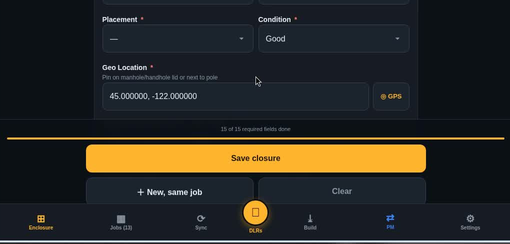
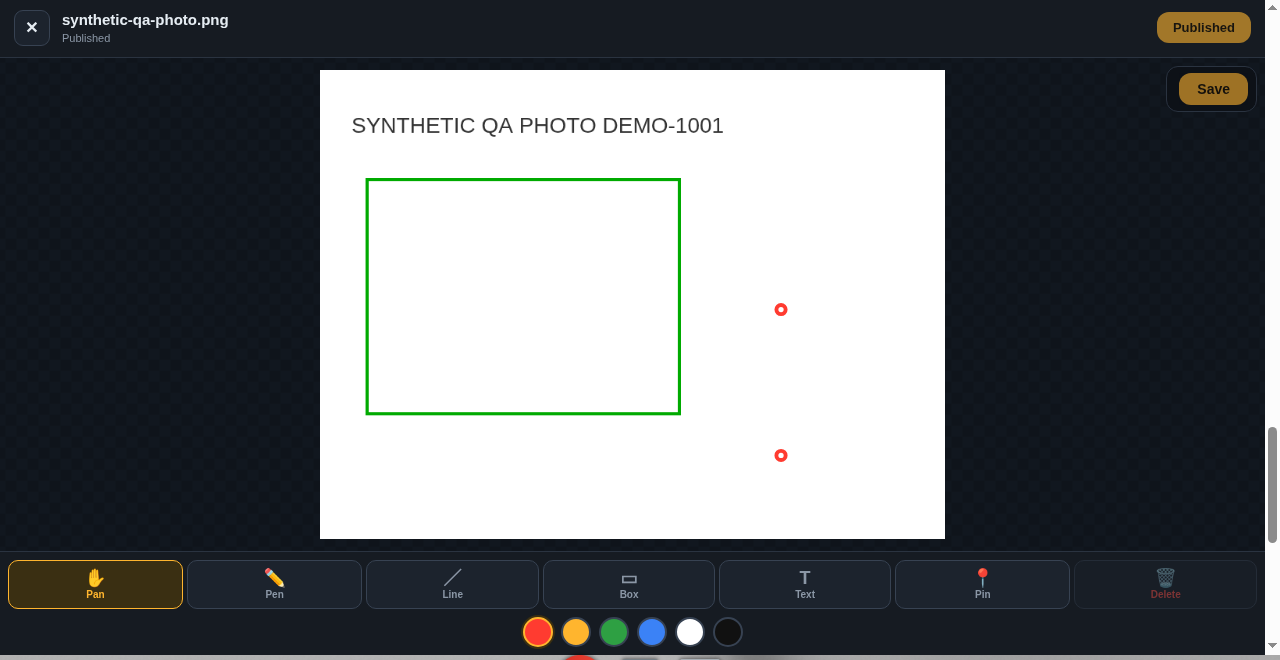
Log counts and photos at the splice point
At the can, techs record counts, photos, notes, and time on that enclosure — not in a Friday camera roll or a text thread.
What the crew logs
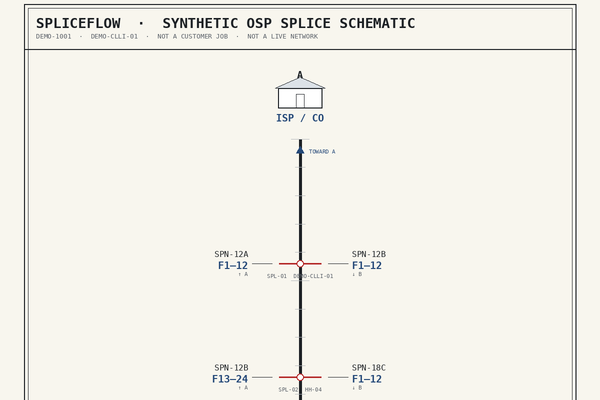
DLR stays with the job until a PM attaches the CAD schematic
DLR here is the CAD OSP splice schematic. Paperwork on the job → PM attaches CAD on the enclosure → techs ink that drawing. Not a loss-reading photo. Not a test-report engine.
What the PM attaches
Closeout from that record
Closeout work starts from that capture — not a Friday scramble.
Closeout checklist (preview)
Keep the tools you already pay for
Not another PM. Not your OTDR/OLTS. We take the splice slice.
Where it stands today
Invite-only app. The demo uses a synthetic job (DEMO-1001), not a customer job. We don’t claim a perfect production walk yet.